Genssy Academy
Income Ultra App Icon

Income Ultra

Salary & Wage Calculator

Build a real-world finance calculator with clean SwiftUI architecture. Learn MVVM + Dependency Injection patterns, real-time UI updates, and modular app layering — all in a polished, production-ready codebase.

Get Source Code Complete Xcode project with source code
SwiftUI MVVM Dependency Injection Clean Architecture
Income Ultra Salary Mode

100% SwiftUI

Pure declarative UI

MVVM + DI

Clean architecture

Real-Time UI

Instant calculations

Light & Dark

Full theme support

Features

What you'll build

A complete salary and hourly wage calculator with real-world architecture patterns you can reuse in any project.

💰 Salary Calculator

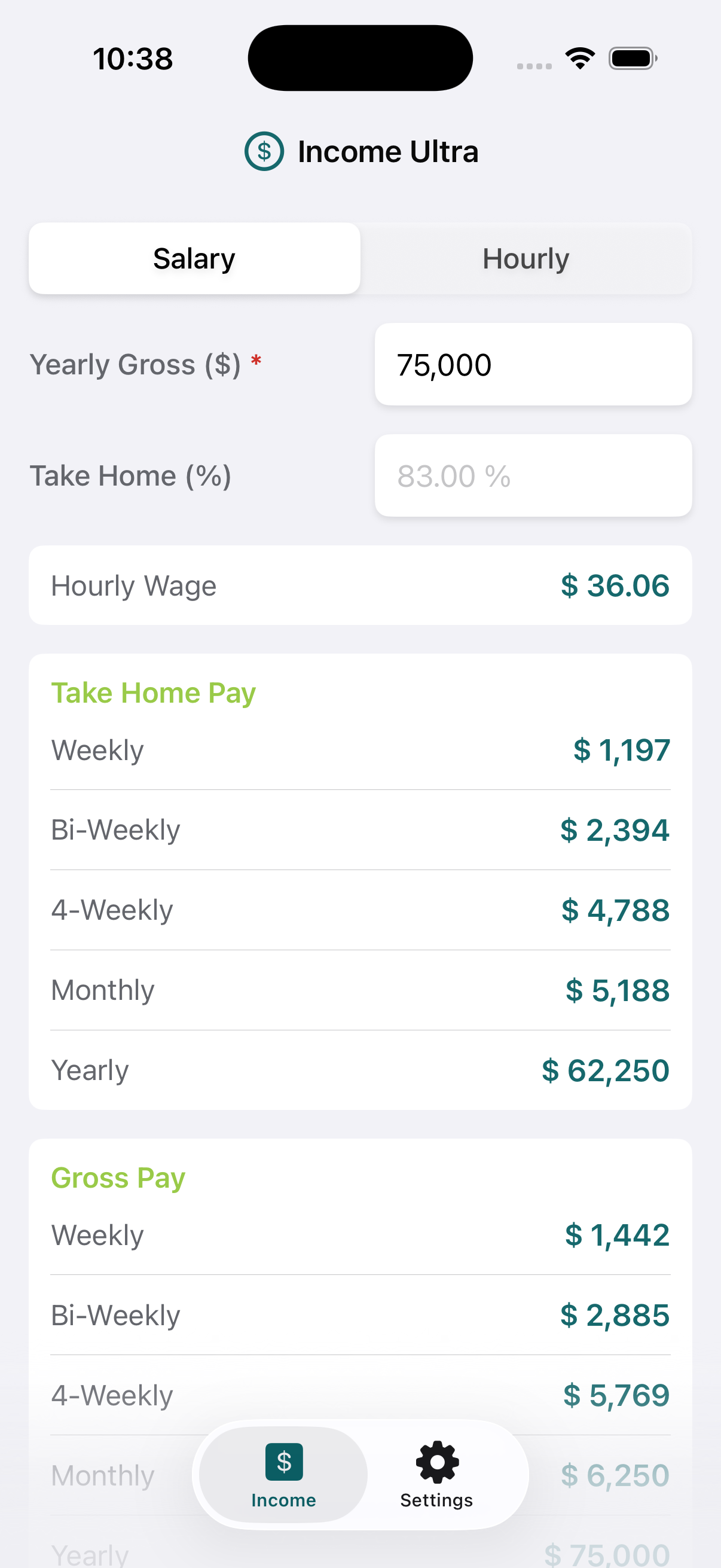
Salary Mode

Enter a yearly gross salary and take-home percentage to instantly see comprehensive pay breakdowns across every pay period.

  • Yearly gross salary input with real-time updates
  • Take-home percentage for net pay calculation
  • Hourly wage derived from annual salary
  • Weekly, bi-weekly, monthly & yearly breakdowns for gross and net
Salary Mode
Income Ultra Intro
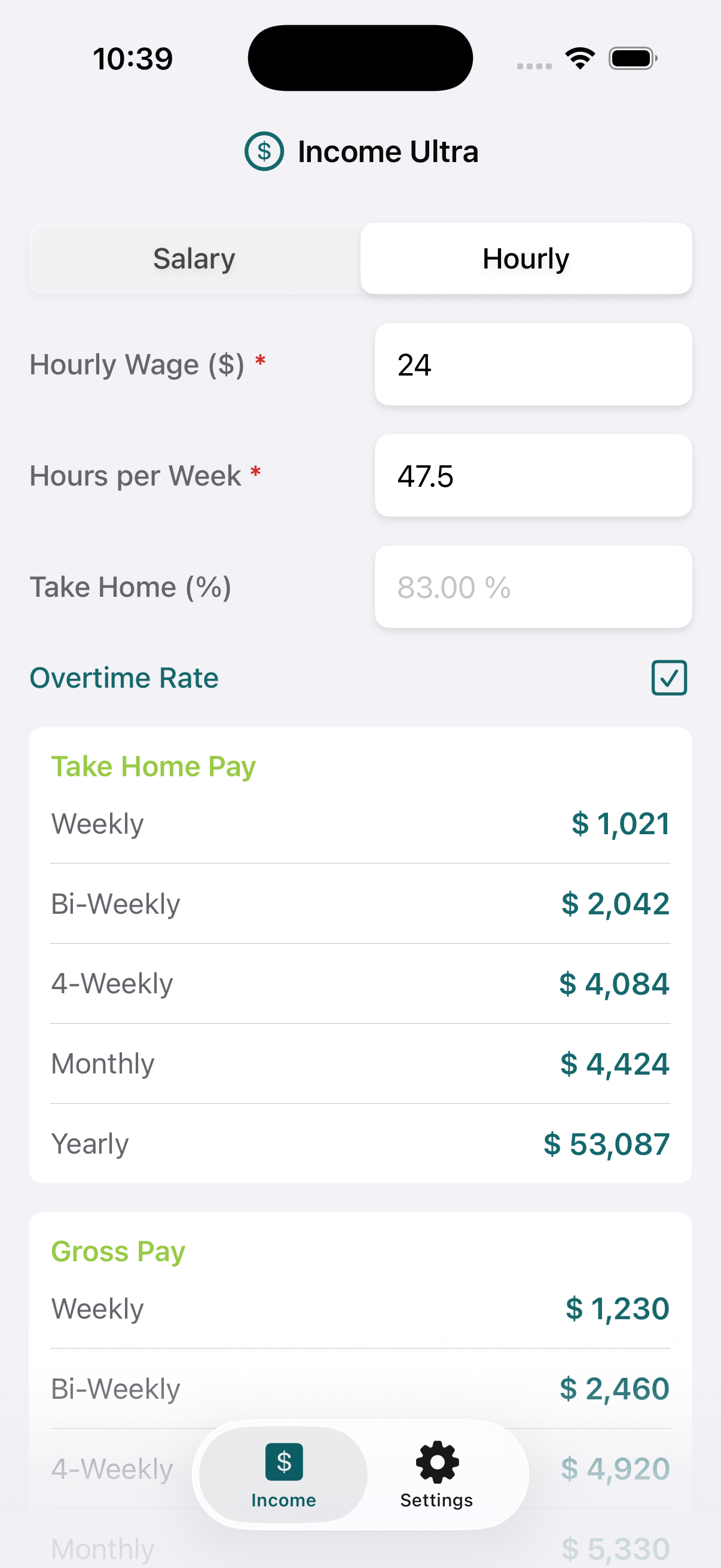
Hourly Mode with Overtime
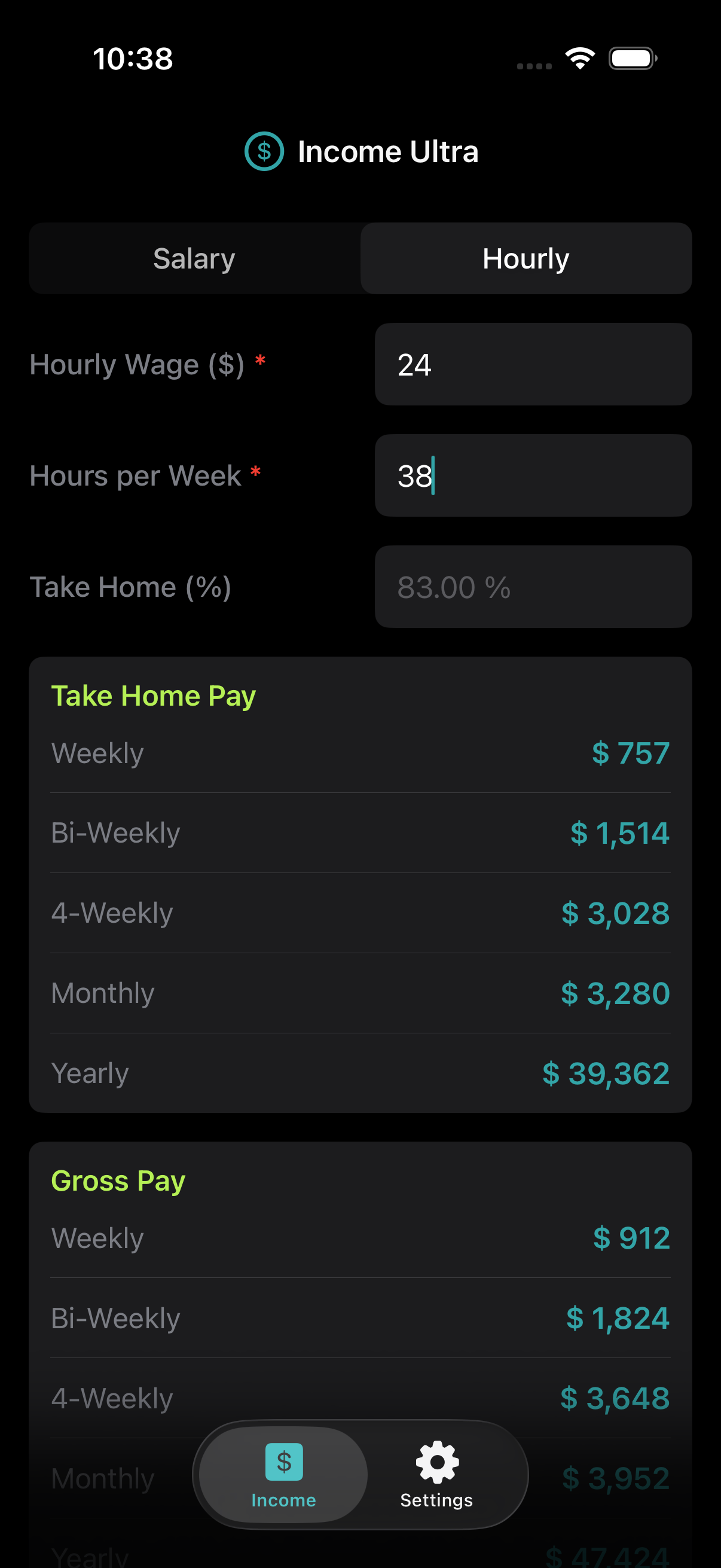
Hourly Mode Dark Mode
Hourly Calculator

Hourly Mode

Input your hourly rate with optional overtime support and see the same comprehensive pay period breakdowns for both gross and net income.

  • Hourly rate input with instant calculations
  • Overtime hours and rate multiplier support
  • Comprehensive weekly, bi-weekly, monthly & yearly breakdowns
  • Gross and net pay side-by-side comparisons
🌗 Theme Support

Dark & Light Mode

Full theme support across every screen in the app. Learn how to implement adaptive color schemes that respond to system preferences.

  • System-aware light and dark color schemes
  • Consistent theming across all views and components
  • Clean implementation patterns you can reuse in your own apps
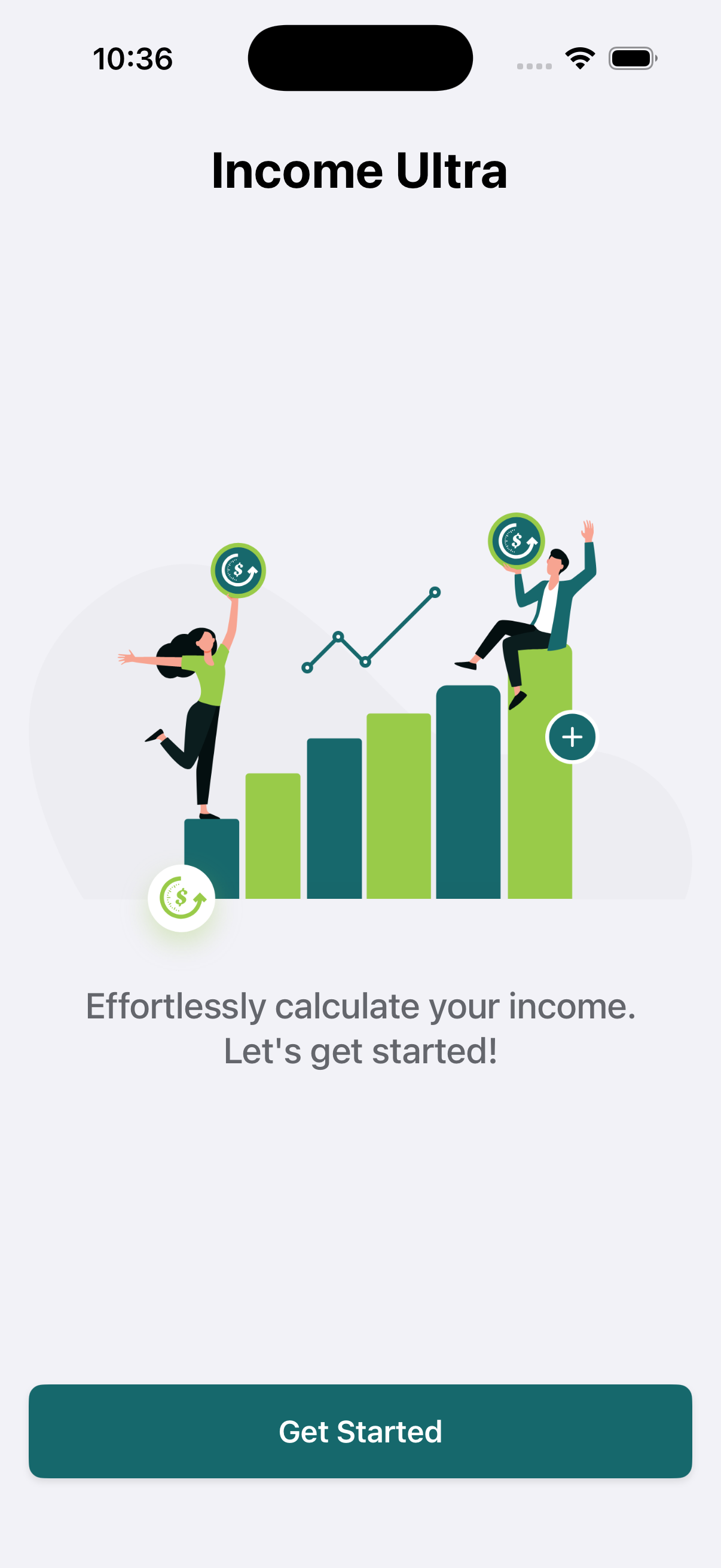
Intro Light Mode
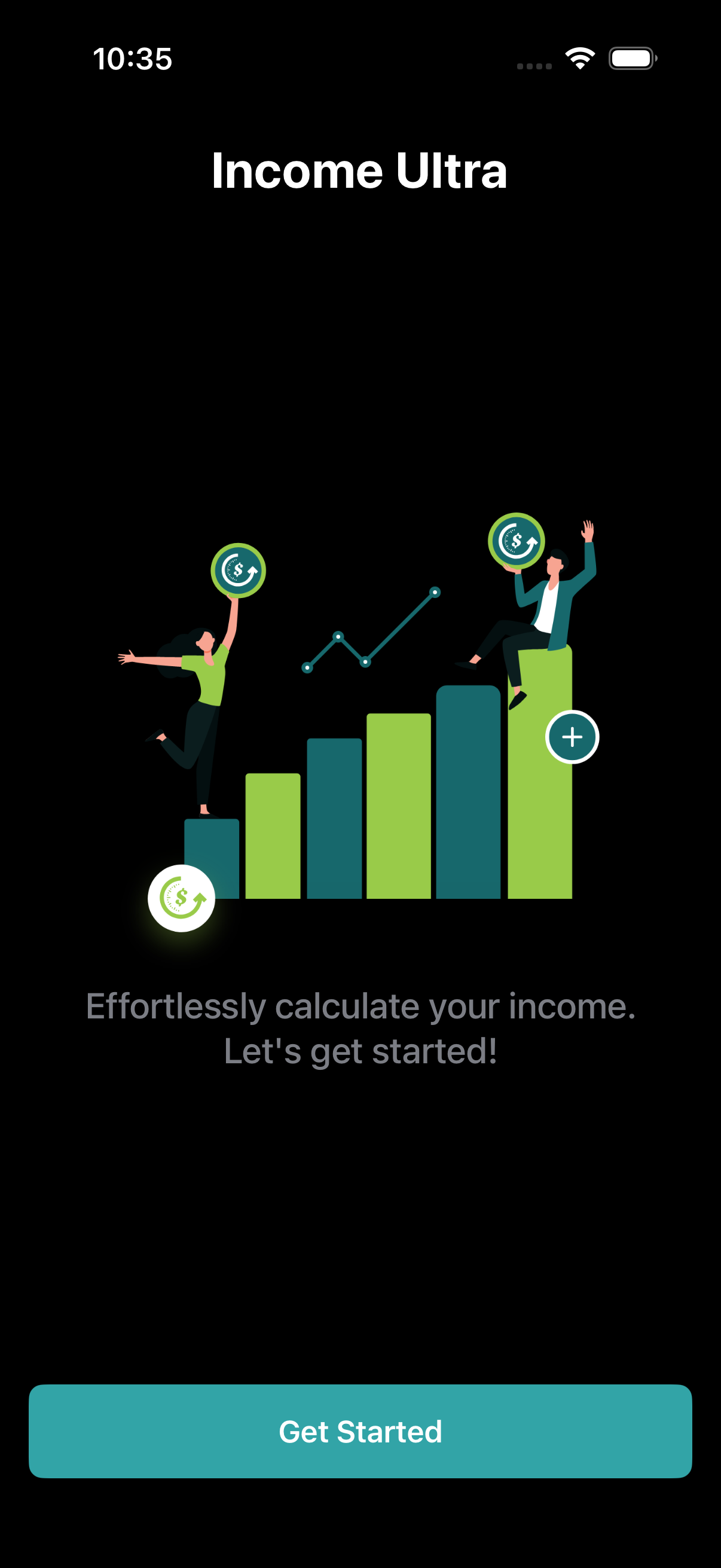
Intro Dark Mode
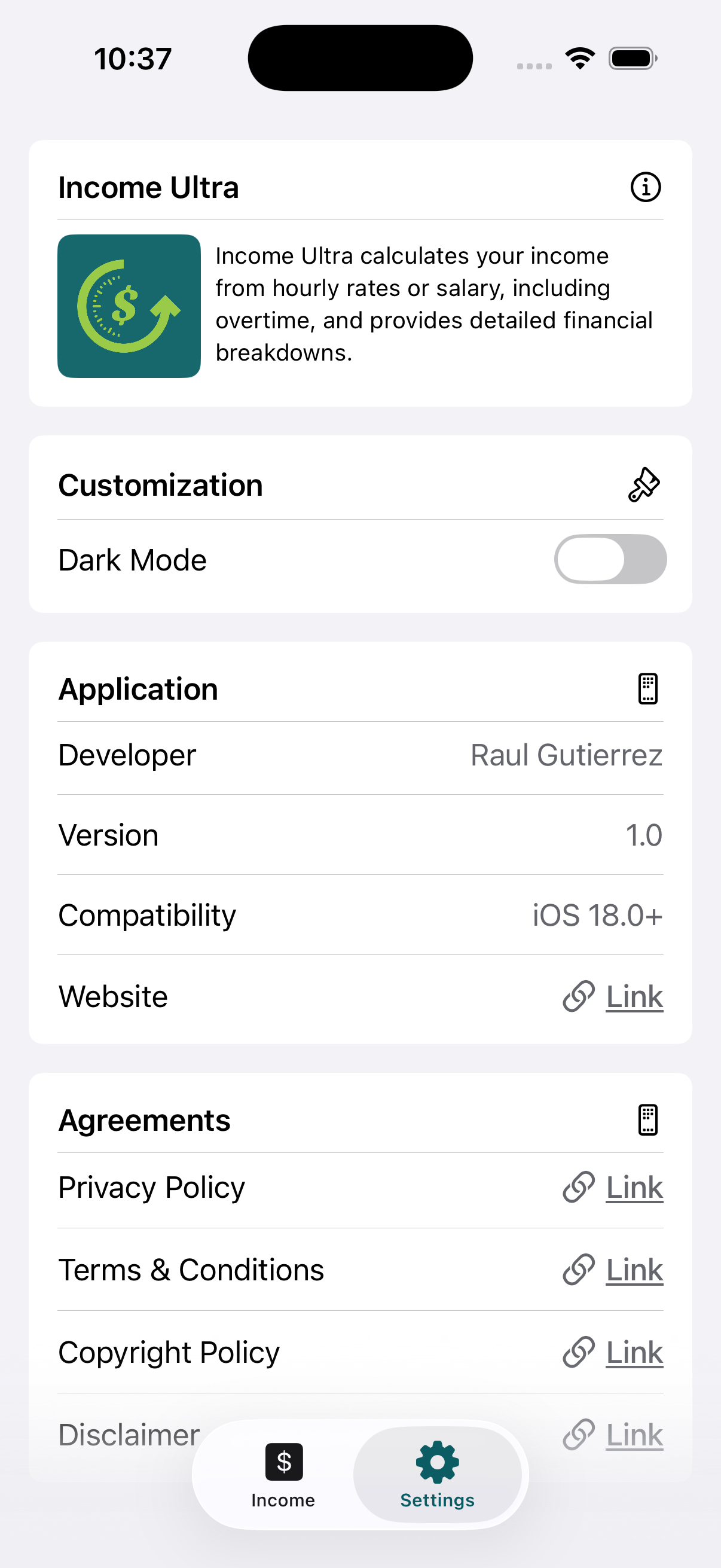
Settings Screen
⚙️ Preferences

Settings

A clean, well-organized settings screen that handles user preferences and app configuration using proper SwiftUI patterns.

  • User preferences management
  • App configuration options
  • Clean, native SwiftUI settings UI patterns

Architecture

Built with clean patterns

Income Ultra follows professional-grade architecture patterns. Every layer is clearly separated, making the codebase easy to understand, extend, and maintain.

Views

Pure SwiftUI views focused on presentation. No business logic, just clean declarative UI.

Models

Clean data models representing salary, hourly, and pay period structures.

Stores

Observable state containers driving real-time UI updates via SwiftUI's reactive system.

Logic

Isolated calculation engines handling all pay computations with clean, testable functions.

What's Included

Everything you need

A complete, ready-to-build Xcode project with professional architecture and clean code.

Full Xcode Project

Complete project that compiles and runs immediately. Every file, asset, and configuration included.

MVVM + DI Architecture

Clean Model-View-ViewModel pattern with Dependency Injection for testable, modular code.

Pay Calculation Logic

Isolated calculation engines for salary and hourly pay across all pay periods with tax deductions.

Real-Time UI Updates

Instant, reactive calculations as users type. Learn SwiftUI's reactive data flow patterns.

Modular App Layers

Cleanly separated Views, Models, Stores, and Logic layers for maximum reusability.

Light & Dark Theme

Complete dark mode implementation with adaptive colors and system preference support.

Get Started

Ready to build finance
apps like a pro?

Get the complete Income Ultra source code. Study the architecture, understand the patterns, and build your own finance apps with confidence.

Get Source Code